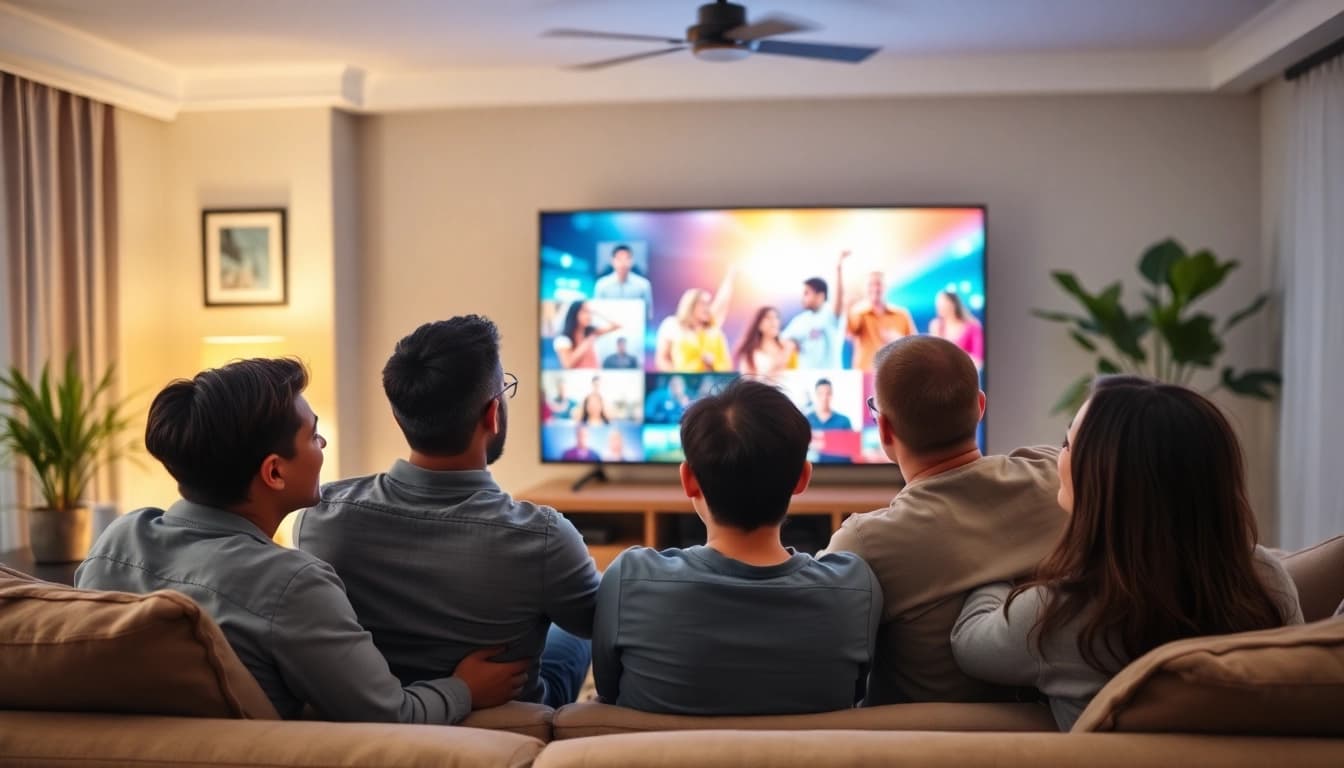
Understanding Streaming TV
What is Streaming TV?
Streaming TV refers to the delivery of multimedia content over the internet. Unlike traditional cable or satellite TV, which rely on physical connections and broadcast frequencies, streaming TV uses internet protocols to transmit data. This allows viewers to watch live broadcasts or on-demand content on various devices, including smart TVs, tablets, smartphones, and laptops. The growing popularity of streaming tv is attributed to its flexibility, variety of content, and convenience.
How Streaming TV Works
At its core, streaming TV operates by sending data packets from a server to a device connected to the internet. This involves multiple components:
- Content Delivery Networks (CDNs): CDNs store copies of the content distributed across various locations to ensure fast and efficient delivery.
- Adaptive Bitrate Streaming: This technology adjusts the quality of the video stream in real-time based on the viewer's internet speed, preventing buffering.
- Protocols: Various protocols, such as HTTP Live Streaming (HLS) and MPEG-DASH, are used to facilitate the streaming process and ensure compatibility with different devices.
When you select a show or movie, the streaming service sends a request to its server, which then begins transmitting the video data to your device in small chunks, allowing for near-instant playback.
Benefits of Streaming TV Over Traditional Cable
There are several advantages to choosing streaming TV over traditional cable services:
- Cost-Effectiveness: Streaming services often come with lower monthly fees compared to cable subscriptions, providing a range of pricing options for viewers.
- Diverse Content Selection: Viewers have access to numerous genres, international films, documentaries, and exclusive programming not typically available on cable.
- Convenience: Stream content anytime and anywhere, as long as you have an internet connection. This flexibility is particularly advantageous for those with busy schedules.
- No Contracts: Most streaming services operate on a month-to-month basis, allowing viewers to cancel or modify their subscriptions without penalties.
Popular Streaming TV Services
Overview of Leading Streaming TV Services
In the growing landscape of streaming tv, various platforms cater to different audience needs. Here is an overview of some leading services:
- On-Demand Services: Platforms like Hulu and Netflix offer a vast library of movies and shows, focusing primarily on on-demand content.
- Live TV Services: Services such as YouTube TV and Sling TV provide live streaming capabilities, allowing viewers to watch ongoing broadcasts just like traditional cable.
- Hybrid Services: Platforms that offer both on-demand and live television, like Hulu + Live TV, aim to provide a comprehensive viewing experience.
Pricing and Package Options
Pricing varies significantly among streaming services, influenced by the type of content and access level provided. On-demand services usually offer monthly subscriptions ranging from $7 to $20, while live TV services often start around $30 and can go up to $100 per month. Feature-rich packages may include additional channels, premium content, or enhanced DVR capabilities for an extra fee, tailoring the viewing experience to personal preferences.
Unique Features of Each Service
Each streaming service incorporates unique features to enhance the user experience:
- DVR Capabilities: Many live services include cloud DVR options, allowing you to record shows and watch them later.
- User Interface: The quality of the user interface can significantly impact the viewing experience, influencing ease of navigation and content discovery.
- Original Content: Various platforms focus on producing exclusive shows and movies, giving viewers access to content they can't find elsewhere.
Choosing the Right Streaming TV Service
Evaluating Your Content Preferences
Before selecting a streaming service, consider watching preferences—types of shows, movies, sports, and news. If you enjoy a particular genre or want to keep up with specific channels, ensure these features align with your chosen platform. For families, kid-friendly content can also be a crucial factor.
Understanding Device Compatibility
It's vital to ensure that the selected streaming service is compatible with your devices. Most platforms offer compatibility with smart TVs, mobile devices, game consoles, and streaming devices like Roku and Amazon Fire Stick. A thorough check of supported devices will prevent frustration during setup and usage.
Assessing Internet Speed Requirements
To enjoy seamless streaming, assess your internet connection. Most experts suggest a minimum speed of 25 Mbps for standard streaming and at least 50 Mbps for 4K content. Testing your current setup can help determine if an upgrade is necessary before subscribing to a streaming service.
Setting Up Your Streaming TV
Essential Equipment for Streaming TV
Proper setup enhances the streaming experience. Essential equipment includes:
- Streaming Device: Options vary from smart TVs with built-in software to external devices like Fire TV, Roku, or Apple TV.
- Stable Internet Connection: A reliable Wi-Fi connection is crucial for optimal streaming quality.
- Audio and Video Hardware: Consider investing in good speakers or soundbars and compatible display gadgets for an immersive experience.
Installation Tips and Best Practices
Streamlining installation can save time and enhance performance. Some tips include:
- Follow clear guides provided by your streaming service and device manufacturer.
- Connect devices using high-speed HDMI cables to ensure the best audio and video quality.
- Stay updated with firmware or app updates for your devices, improving performance and providing new features.
Troubleshooting Common Issues
Despite thoughtful setup, issues may arise. Common solutions include:
- Buffering: Check your internet connection speed and consider upgrading your plan or positioning your router closer to your streaming device.
- App Crashes: Reinstalling the streaming application or restarting the device can often resolve glitches.
- Account Access Issues: Ensure your subscription is active and correct login details are used. If problems persist, contact customer support.
Future of Streaming TV
Trends in Streaming TV Services
As technologies evolve, several trends are shaping the future of streaming TV:
- Personalization: Platforms will increasingly use AI algorithms to tailor content recommendations to individual viewing habits, enhancing user engagement.
- Increased Interactivity: Expect features that allow audience participation during live broadcasts, such as polls or real-time feedback.
- Content Expansion: As audiences demand more diverse content, platforms will likely expand into international programming and niche genres.
The Impact of Emerging Technologies
Emerging technologies are transforming how viewers interact with streaming content. Virtual reality (VR) and augmented reality (AR) are beginning to offer more immersive viewing experiences. Additionally, advancements in 5G networks promise to change the game for mobile streaming, providing faster and more reliable connections.
Long-term Considerations for Viewers
As the streaming landscape matures, viewers should consider becoming discerning consumers. Adapting to constantly changing subscription models and exploring bundled services may save costs while maximizing content access. Security and privacy are also essential considerations as personal data becomes increasingly entwined with streaming services.
Frequently Asked Questions
What do I need to stream TV?
To stream TV, you need a stable internet connection, a streaming device (like a smart TV or Roku), and a subscription to a streaming service that offers the content you want.
Can I stream TV on multiple devices?
Yes, most streaming services allow you to log in on multiple devices, but there may be restrictions on how many can stream simultaneously based on your subscription plan.
Do I need special equipment for streaming?
You don't need special equipment, but a streaming device (like a smart TV, Roku, or Fire Stick) can enhance your experience and simplify access to streaming apps.
Is streaming TV more affordable than cable?
Yes, streaming TV is often more affordable, offering lower monthly fees and no long-term contracts, allowing you to pick and choose services that fit your budget.
What internet speed is needed for optimal streaming?
A minimum speed of 25 Mbps is recommended for standard streaming, while 50 Mbps or higher is ideal for 4K streaming to prevent buffering and ensure quality.