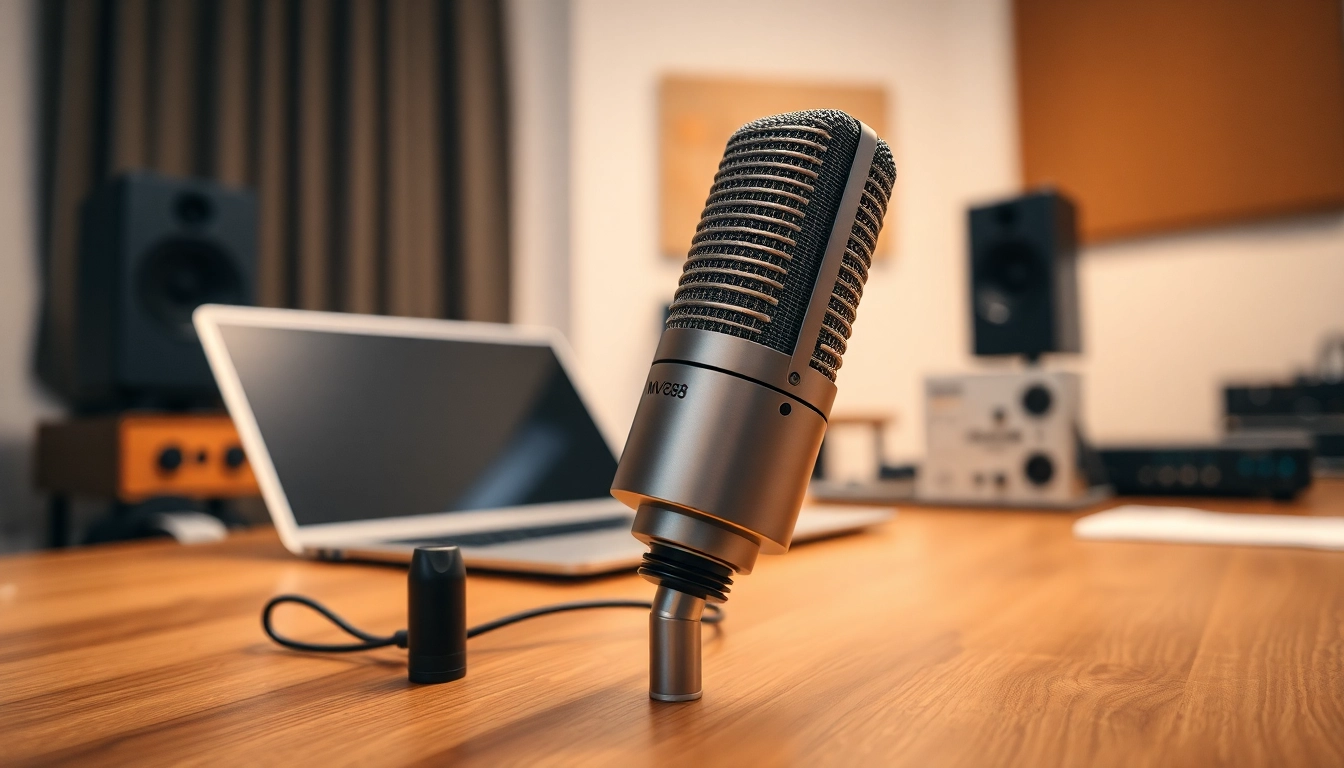
Understanding the MV 88 Microphone
What is the MV 88?
The MV 88 is a compact, high-quality digital stereo microphone designed for use with iOS devices. Manufactured by Shure, a global leader in microphone technology, the MV 88 offers an impressive combination of portability and sound quality, making it an ideal choice for musicians, podcasters, and videographers alike. Its plug-and-play functionality allows for easy connection to devices such as iPhones and iPads, enabling users to capture audio with remarkable clarity anywhere, anytime.
Key Features of the MV 88
The MV 88 is packed with features that make it stand out in the crowded microphone market:
- Digital Connectivity: The MV 88 connects directly to your iOS device’s Lightning port, eliminating the need for additional cables or adapters.
- Stereo Recording: With its mid-side stereo architecture, this microphone captures sound in a natural and immersive way, ideal for music and environmental audio.
- Adjustable Stereo Width: The MV 88 allows users to adjust the stereo width via its accompanying app, providing flexibility in recording scenarios.
- Integrated Headphone Output: Users can monitor their recordings in real-time, ensuring optimal audio quality and immediate feedback.
- Onboard Control: The microphone features onboard gain control and a highly sensitive built-in preamp for excellent performance across various recording situations.
How the MV 88 Compares to Other Microphones
When compared to other portable microphones, the MV 88 holds its own due to its combination of performance and user-friendly design. Microphones such as the Rode iXY and the Zoom iQ6 offer similar functionalities, yet the MV 88's advanced digital signal processing technology provides a clarity and detail that many competitors lack. The MV 88’s design specifically for iOS devices further enhances its functionality, streamlining the recording process without sacrificing quality. In a comparative analysis of audio fidelity, ease of use, and other technical specifications, the MV 88 often emerges as a top performer, especially for mobile recording.
Setting Up Your MV 88 for Success
Equipment Requirements for Optimal Performance
To get the most out of the MV 88, a few essential pieces of equipment are recommended:
- iOS Device: As the MV 88 is designed for iOS, ensure you are using an updated iPhone or iPad compatible with Lightning ports.
- Recording App: Consider using the ShurePlus MOTIV app, which is tailored for the MV 88 and offers advanced features such as adjustable EQ settings and audio formats.
- Headphones: High-quality headphones can provide accurate monitoring when recording, ensuring you capture the best possible audio.
- Microphone Stand or Mount: For stable recording, especially in stationary setups, a tripod or mount can help achieve better sound quality.
Best Practices for Microphone Placement
Proper placement of the MV 88 is crucial to achieving the best sound quality. Here are some best practices:
- Position the microphone at a 45-degree angle to the sound source to capture a fuller sound profile.
- Maintain an appropriate distance (typically 6-12 inches) from the sound source, adjusting based on the loudness and type of audio being captured.
- Use the adjustable stereo width feature strategically to emphasize or diminish sound from specific directions.
- Keep the MV 88 away from reflective surfaces that may cause unwanted reverb; aim for an environment with soft furnishings if possible.
Connecting the MV 88 to Your Devices
Connecting the MV 88 to an iOS device is straightforward:
- Plug the MV 88: Insert the Lightning connector into your device’s Lightning port.
- Launch the App: Open the ShurePlus MOTIV app or any preferred audio recording application.
- Access Settings: Adjust levels for microphone gain or output within the app for optimal recording conditions.
Once connected, you can begin to experiment with the settings and features that best suit your recording needs.
Recording Techniques Using the MV 88
Tips for Capturing Clear Sound
To ensure you capture the best audio quality possible, consider the following techniques:
- Minimize Background Noise: Choose a quiet environment to avoid unwanted sound interference.
- Use a Windshield: In outdoor settings, utilize a foam windshield to reduce wind interference and protect the microphone.
- Monitor in Real Time: Use the onboard headphone output to listen while recording, allowing for immediate adjustments as needed.
- Test Levels: Conduct a sound check to ensure audio levels are appropriate before starting your recording session.
Adjusting Settings for Different Genres
Different genres of music or audio recordings might require specific adjustments in settings. Here are a few guidelines:
- For Vocal Recordings: Set the stereo width narrower to focus on clarity and detail, and adjust gain to avoid distortion.
- For Instrumental Music: Use a wider stereo width to capture the full breadth and ambiance of the instruments.
- For Podcasts: Focus on reducing background noise and enhancing vocal presence by adjusting EQ settings within the app.
Live Recording vs. Studio Recording Considerations
The approaches for live versus studio recording with the MV 88 can differ significantly:
- Live Recording: Favor a tighter pickup pattern to minimize ambient noise and position the microphone closer to performers.
- Studio Recording: Take advantage of a controlled environment with multiple mic placements and wider stereo options to capture depth and fullness.
Regardless of the setting, always maintain flexibility to adapt to the unique circumstances of each recording session.
Editing Audio Recorded with the MV 88
Basic Editing Techniques for Beginners
Editing audio may seem daunting at first, but with tools available today, you can easily get started. Here are some basic techniques:
- Trimming: Remove unwanted sections at the beginning and end of your recordings to create a cleaner final audio piece.
- Normalizing Levels: Use normalization tools to ensure your audio levels are consistent throughout the recording.
- Fade In/Out: Apply fade-in and fade-out effects to smoothly transition audio clips, enhancing the professional feel.
- Removing Background Noise: Many DAWs (Digital Audio Workstations) have filters to help eliminate background noise from recordings.
Advanced Audio Editing Tips
For those looking to elevate their audio editing skills, the following advanced techniques can add polish to your recordings:
- Using EQ: Employ equalization to enhance or reduce specific frequencies, helping clarity in voice recordings or fullness in music.
- Compression: Utilize compression to minimize the dynamic range, ensuring softer sounds are audible without overpowering louder elements.
- Multi-Tracking: Layer multiple audio tracks to create richness and depth, allowing for more complex arrangements in musical compositions.
- Sound Design Elements: Incorporate sound effects or ambient sounds to add a unique character to recordings, which can be particularly useful in storytelling or podcasts.
Software Recommendations for Optimal Results
Selecting the right software can greatly influence your editing process. Here are a few popular recommendations:
- Audacity: A free and open-source option with a plethora of tools for editing and processing audio.
- GarageBand: Ideal for Mac users, this software offers an intuitive interface with powerful recording capabilities.
- Adobe Audition: Part of the Adobe Creative Cloud, it provides professional-level editing features suitable for detailed audio work.
- Logic Pro X: Another Apple product, this is suited for serious musicians and sound designers with advanced features.
Maximizing Your MV 88 Experience
Common Issues and Troubleshooting
Even the best equipment can face issues. Here are some common problems and their solutions:
- No Sound: Check connections, ensure the microphone is selected as the input source in your app, and test with another device.
- Low Quality Sound: Analyze the recording environment, adjust gain levels, and ensure proper mic placement to enhance quality.
- Compatibility Issues: Confirm that your iOS device is updated and the MV 88 firmware is current, utilizing the Shure app for updates.
Maintaining Your Microphone
Proper maintenance of your MV 88 will extend its lifespan and ensure consistent performance:
- Store the microphone in a protective case when not in use.
- Regularly clean the microphone with a soft cloth to remove dust and moisture.
- Protect from extreme temperatures and humidity which can damage the internal components.
Learning from Professional Users’ Experiences
One of the best ways to enhance your usage of the MV 88 is to learn from others in the field. Many professional musicians, podcasters, and videographers share their experiences online through forums, social media, and blogs. Engaging in these communities can provide valuable insights into the various applications of the MV 88, inspiring you to explore its potential fully.
Conclusion
The MV 88 microphone is a testament to Shure's commitment to quality and innovation in audio recording technology. With its compact design, exceptional audio quality, and user-friendly features, it serves as an invaluable tool for anyone looking to elevate their audio recordings. Whether you're capturing vocals for a new song, interviewing guests for a podcast, or recording sound effects for a video project, the MV 88 provides the flexibility and performance needed to succeed. By mastering its setup, recording techniques, editing capabilities, and maintenance, you can truly maximize your experience and outcomes with this outstanding microphone.